
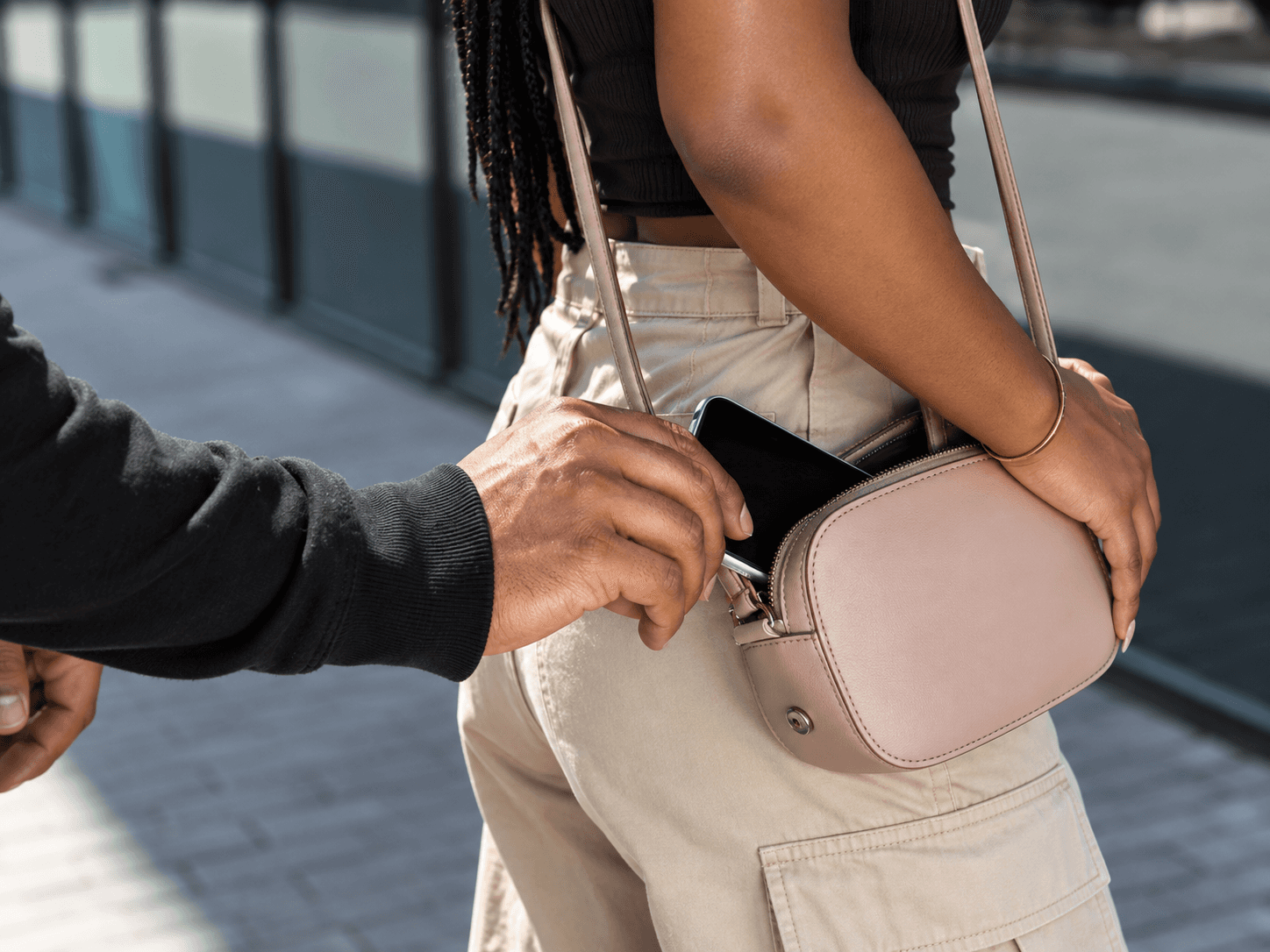
Your phone can be replaced. Your data, accounts, photos, and everything connected to it might not be. In Nigeria, phone theft is common, and once your phone is gone, getting it back isn't always easy. But there are a few things you can set up before it happens that can significantly improve your chances of finding it. We learned this from experience.
How to Protect Your Phone From Theft
Losing your phone is bad. Losing it and realizing you never set up the tools that could help you find it is worse.
In Nigeria, there’s no guaranteed way to recover a stolen phone, but these steps can give you a much better chance.
01 — Turn On Find My
Make sure Find My iPhone, Find My Network, and Send Last Location are enabled.
Settings → [Your Name] → Find My → Find My iPhone
Do this for yourself and help your family and close friends do the same.
Don't wait until your phone is already gone.
02 — Get an eSIM
If your phone supports eSIM, use one.
From our experience, an active cellular connection can make a huge difference. Earlier this year, one of our phones was stolen. Find My was already active, and when the thief briefly switched the phone on, its location updated on the map.
That gave us a location to work with.
An eSIM doesn't guarantee recovery, but combined with Find My, it gives your phone another way to reconnect and report its location.
03 — Have Someone Watching
Share your location with a few trusted people.
If your phone gets pinged, you don't want to be the only person who knows.
Have a small emergency circle — family, close friends, or people you trust who can help you act quickly.
04 — If It Gets Pinged, Move Quickly
If your phone suddenly appears on Find My:
Screenshot the location. Save the time. Track any movement.
Then contact the appropriate people who can help.
In Nigeria, that might mean the police or trusted people who can safely assist you in the area.
Don't go looking for the thief alone.
A location pin is useful information, not an invitation to confront someone.
05 — Turn On Stolen Device Protection
If you have a supported iPhone, enable Stolen Device Protection.
Settings → Face ID & Passcode → Stolen Device Protection
It adds another layer of security if someone gets access to your phone and passcode.
06 — Never Remove a Stolen Phone From Find My
If your phone is stolen, keep it connected to your Apple Account and use Lost Mode.
Find My → Devices → Your iPhone → Mark As Lost
This keeps the phone locked and allows you to continue monitoring it if its location becomes available.
The Nigerian Reality
Find My isn't magic.
Your phone can be switched off, damaged, or moved somewhere where its location can't be accurately determined.
But Find My + an active SIM/eSIM + trusted people + quick action gives you some of the best tools available to improve your chances of getting it back.
Set everything up before you need it.
Your future self will thank you.
— Syndicate_
Sep 10, 2026

Suggested
Continue Reading
More articles you may find useful, carefully selected from our journal